Features
Your files never leave your computer.
A file organizer sees everything you download. Mouzi is built so that seeing is all that ever happens, and only on your machine.
Watched folder
~/Downloads
Mouzi rules
runs on your device
Organized folders
Documents · Images · Archives
No server side
Mouzi has no backend. Rule evaluation, file moves and history all happen locally. There is no infrastructure that could receive your data, which is a stronger guarantee than any privacy policy.
What is stored, and where
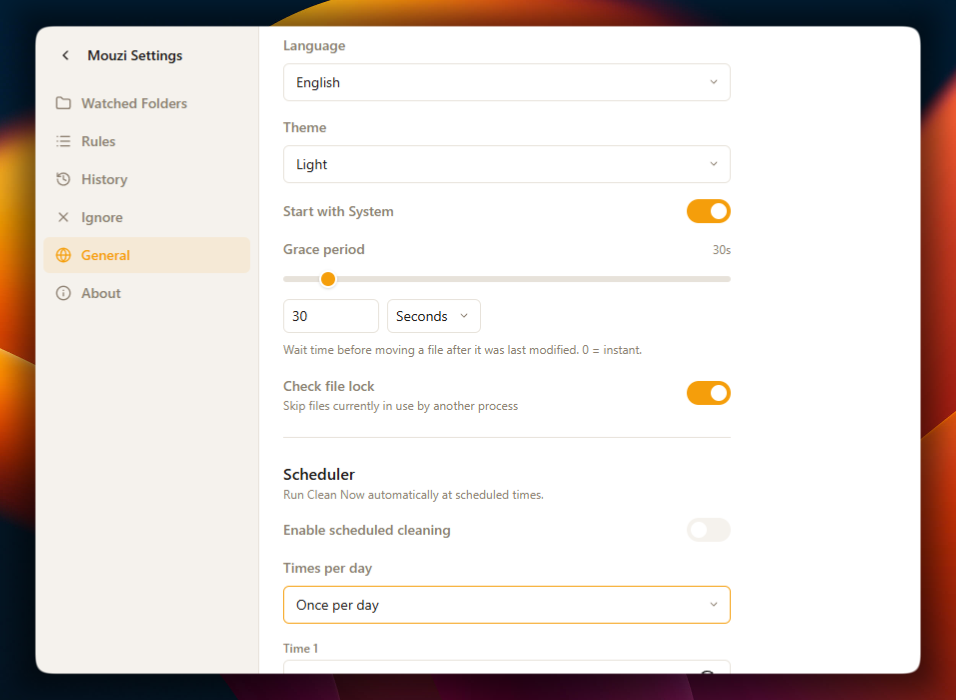
Your rules and settings live in a local configuration folder, and move history lives in a local SQLite database (%APPDATA%\Mouzi on Windows, ~/.config/mouzi on Linux). You can open the database with any SQLite browser, and deleting the folder removes everything Mouzi knows.
Network activity
The direct-download edition optionally checks GitHub's public releases feed for updates; you can turn this off. The Microsoft Store edition uses Store updates instead. Microsoft also updates the WebView2 Runtime separately. External links open only when you choose them. Mouzi does not upload your file names, paths or contents, or send application analytics. See the privacy policy for details about these services and website analytics.
Open to inspection
The complete source code is available at github.com/hsr88/mouzi under the MIT license. If you find behavior that contradicts this page, that is a security bug; please report it privately.